Business Systems That Scale: How SOPs Run Your Company Without You
 May, 15 2026
Imagine waking up to find your bank account has grown while you slept. No panic calls from angry clients. No confusion about who handles the new hire’s onboarding. This isn’t a fantasy reserved for tech giants with armies of managers. It is the reality for small business owners who have built Standard Operating Procedures, or SOPs, that actually work. Most entrepreneurs hit a wall around the $1 million revenue mark. The business stops growing because the founder becomes the bottleneck. You can’t clone yourself, but you can clone your knowledge. That is what scaling through systems is all about.
The Trap of the "Hero" Founder
You started this business because you could do things better, faster, or cheaper than anyone else. For the first year or two, that works in your favor. You are the salesperson, the project manager, and the customer support lead. But as you add employees, a dangerous pattern emerges. You start believing that only you know how to get the job done right. So, you keep doing it. Or worse, you delegate the task but spend three hours explaining it, then fix their mistakes later.
This creates a dependency loop. Your team waits for you. Decisions stall. Quality drops when you are on vacation. I saw this happen with a friend running a digital marketing agency in Portland. She was working eighty-hour weeks, yet her profit margins were shrinking. Why? Because she was paid hourly by her own anxiety. She wasn’t selling services; she was selling her time. To break free, you need to shift from being the hero who saves the day to the architect who builds the machine that saves the day.
What Are SOPs Really?
Standard Operating Procedures (SOPs) are documented instructions that detail steps required to complete tasks within an organization. They are not just boring rulebooks sitting on a shelf gathering dust. Think of them as the DNA of your business. If your business is a living organism, SOPs are the code that tells every cell how to function. When you leave the office, the SOPs remain. They ensure consistency, quality, and speed regardless of who is executing the task.
Many founders fear that writing SOPs will kill creativity. That is a myth. Creativity thrives in chaos-free environments. When your team doesn’t have to guess how to handle a refund or format a client report, they have mental energy left for strategy and innovation. SOPs handle the repetitive, predictable stuff so your people can focus on the unique, high-value work.
Identifying What Needs Documentation
You cannot document everything overnight. In fact, trying to do so will paralyze you. Start by identifying the "high-frequency, high-impact" tasks. These are activities that happen often and where mistakes are costly. Here is how to spot them:
- The "If I Get Hit by a Bus" Test: Which tasks would bring the business to a halt if you disappeared tomorrow? Document those first.
- The Repetitive Pain Points: What questions do your employees ask you more than once a week? "How do I reset the password?" "Who approves this invoice?" Every repeated question is a candidate for an SOP.
- The Quality Variance Tasks: Are client outcomes inconsistent depending on which employee handles them? This indicates a lack of standardized process.
For a service-based business, this might include client onboarding, proposal creation, and monthly reporting. For an e-commerce brand, it could be inventory management, return processing, and ad campaign setup. Focus on the core engine of your revenue generation first.

Creating SOPs That People Actually Use
The biggest mistake I see is creating SOPs that no one reads. They are too long, too complex, or buried in a folder nobody knows exists. An effective SOP is simple, visual, and accessible. Here is a practical framework for building them:
- Capture, Don’t Create: Do not try to write the perfect process from your head. Do the task yourself while recording your screen (using tools like Loom or Camtasia). Alternatively, have your best employee do it while you observe and note the steps. Real-world execution reveals nuances that theory misses.
- Break It Down: Break the task into small, actionable steps. Avoid vague instructions like "handle the client issue." Instead, use specific actions: "Open the ticketing system, click 'New Ticket,' select category 'Billing,' and attach the invoice PDF."
- Add Visuals: A screenshot or a short video clip is worth a thousand words. Include screenshots with arrows pointing to buttons. Record a sixty-second video showing the mouse clicks.
- Define Success Criteria: Clearly state what the finished product looks like. Is the email sent? Is the file saved in the correct folder? What does "done" mean?
Keep the language conversational. Write it as if you are talking to a smart friend who is new to the job. Avoid corporate jargon. If a step requires judgment, explain the logic behind it. For example, instead of saying "Escalate if needed," say "If the client requests a discount over 10%, escalate to the Sales Director for approval."
Choosing the Right Tools for Systemization
Your SOPs need a home. Storing them in random Word documents on individual laptops is a recipe for disaster. You need a central knowledge base that is searchable and easy to update. There are several popular options, each with different strengths.
| Tool | Best For | Key Feature | Learning Curve |
|---|---|---|---|
| Notion | All-in-one workspace | Flexible databases and linked pages | Moderate |
| ClickUp | Task-oriented teams | SOPs linked directly to tasks | Moderate |
| Trainual | Dedicated training/SOPs | Video-first approach with progress tracking | Low |
| Google Drive | Budget-conscious startups | Familiar interface and low cost | Low |
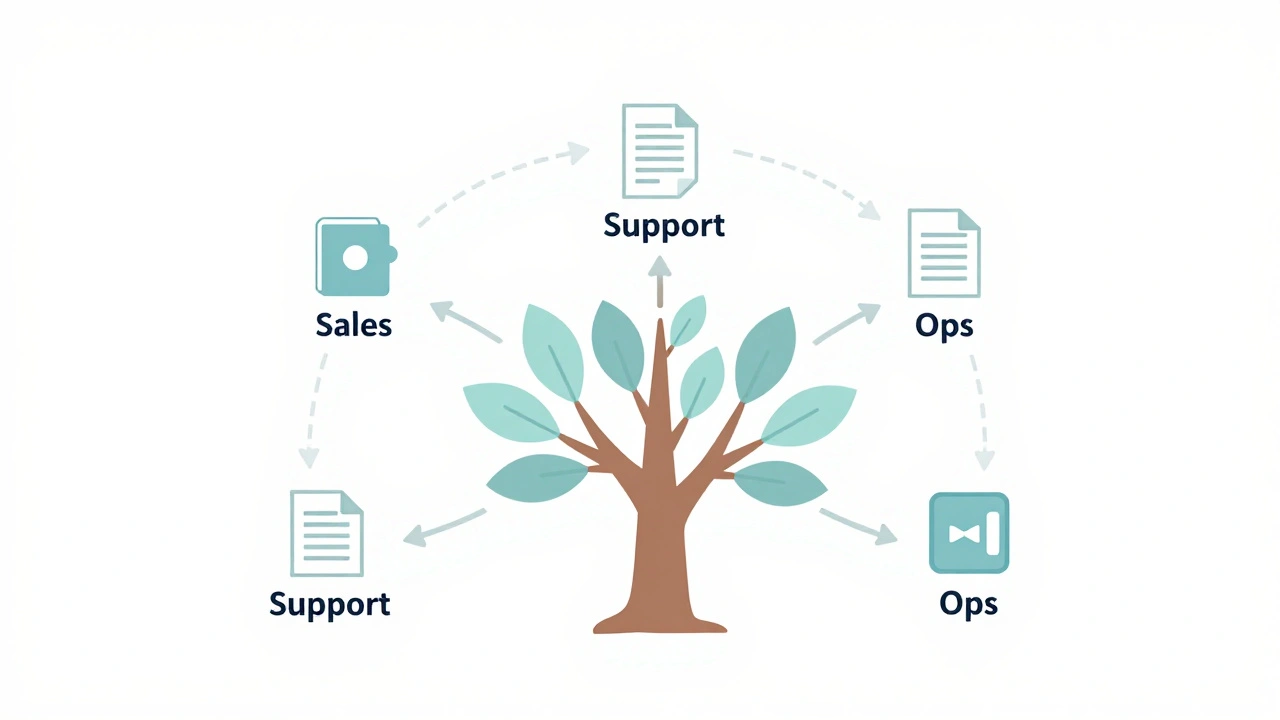
Regardless of the tool, the key is accessibility. Your team should be able to find the relevant SOP in under thirty seconds. Use clear naming conventions. For example, "Sales > Client Onboarding > Welcome Email Sequence" is much easier to navigate than "Doc_123_Final_v2." Integrate these tools with your existing workflow. If you use Slack, create a channel where links to updated SOPs are posted. Make documentation part of the daily rhythm, not a separate chore.
The Feedback Loop: Keeping Systems Alive
An SOP is not a static document. It is a living entity that must evolve as your business grows. Markets change, software updates, and new efficiencies are discovered. If you write an SOP today and never touch it again, it will become obsolete within six months. And nothing kills adoption faster than following outdated instructions.
Implement a feedback mechanism. At the end of each SOP, add a comment box or a link to a form where employees can suggest improvements. Encourage them to flag steps that are confusing or unnecessary. Hold a quarterly "Process Review" meeting. Gather your team and ask: "Which SOPs helped us most? Which ones got in the way?" Assign an owner to each major process. This person is responsible for updating the documentation whenever a change occurs.
This also helps with accountability. When someone owns a process, they think about its efficiency. They look for ways to automate manual steps. For instance, if the "Invoice Creation" SOP involves copying data from an email into Excel, the owner might suggest integrating Zapier to auto-populate the spreadsheet. This continuous improvement mindset is what turns a collection of documents into a scalable system.
Measuring the Impact of Your Systems
How do you know if your SOPs are working? Look at the metrics that matter. First, track your availability. Are you taking fewer emergency calls? Can you take a week off without the business collapsing? Second, measure consistency. Are client satisfaction scores stable across different team members? Third, look at onboarding time. New hires should reach full productivity faster when they have clear guides to follow.
If you are still spending more than twenty percent of your week putting out fires, your systems are incomplete. If your top performer is leaving and you feel panicked because no one knows how they did their job, you have failed to codify their expertise. Scaling is not just about adding revenue; it is about removing friction. Every SOP you write reduces friction. Every system you build buys you back freedom.
How many SOPs does a small business need to start?
You don't need hundreds. Start with ten to fifteen critical processes that cover your core revenue-generating activities and essential operations. Focus on quality over quantity. It's better to have five well-written, used SOPs than fifty ignored documents.
Who should write the SOPs?
Ideally, the person who performs the task should draft the initial version, with oversight from a manager or systems coordinator. This ensures accuracy and captures tacit knowledge. However, the final edit should ensure clarity and consistency across the entire library.
Can SOPs stifle creativity in the workplace?
No, they liberate it. By standardizing routine tasks, you free up mental bandwidth for creative problem-solving and strategic thinking. SOPs define the boundaries of execution, allowing employees to innovate within those safe parameters.
How often should I update my SOPs?
Review them quarterly. Update them immediately whenever a tool changes, a regulation shifts, or a significant error occurs due to unclear instructions. Treat them as living documents, not set-it-and-forget-it artifacts.
What is the difference between a policy and an SOP?
A policy states what must be done and why (e.g., "All expenses must be submitted by the 5th"). An SOP explains how to do it (e.g., "Log into the expense portal, upload the receipt, categorize as 'Travel', and submit"). Policies set the rules; SOPs provide the roadmap.